

Ingest Data to Elasticsearch
Objective:
- Ingest Sysmon and Windows Defender logs into Elasticsearch
Let’s go to our Elastic Homepage (http://<elk-server-public-ip>:5601) and login.
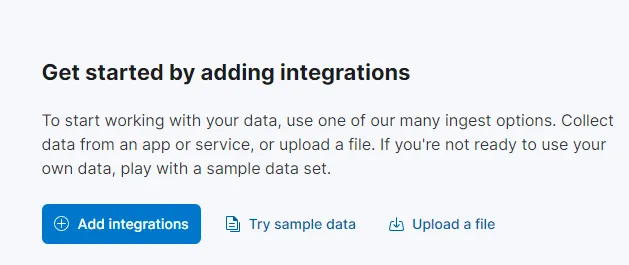
Let’s click on Add integrations and search for windows event.
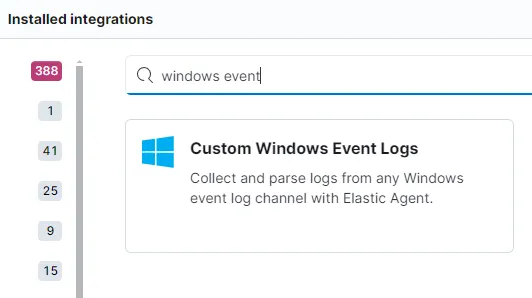
Integration - sysmon logs
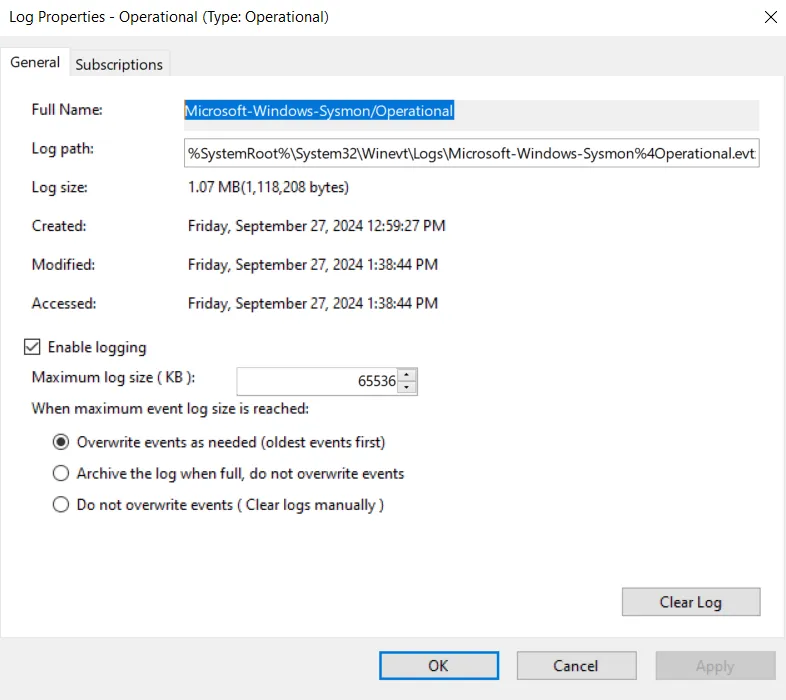
To set up the integration, we need the channel name of our sysmon logs. The channel name can be found under Properties of Sysmon Operational Log file.
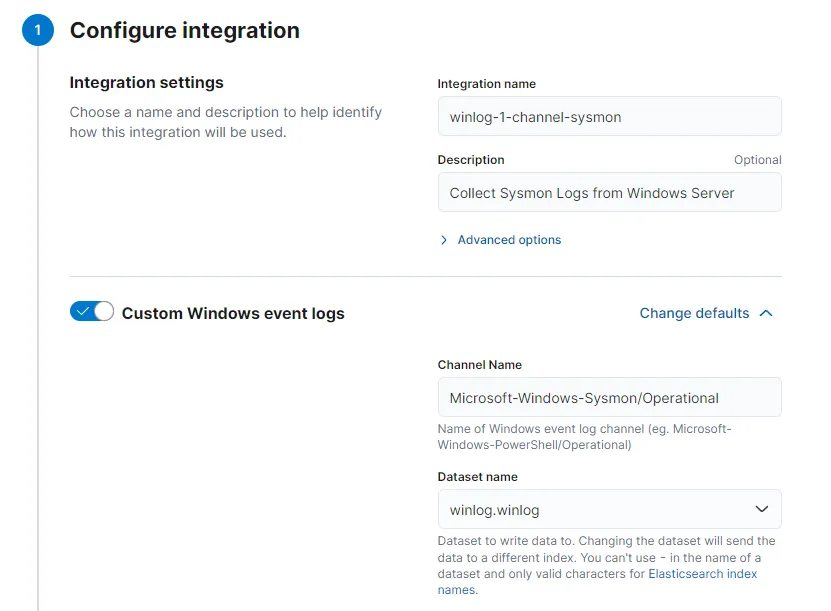
My settings look like this:
To add this integration to our Agent Policy that we created earlier: Choose existing hosts > Choose Agent-Windows-Server
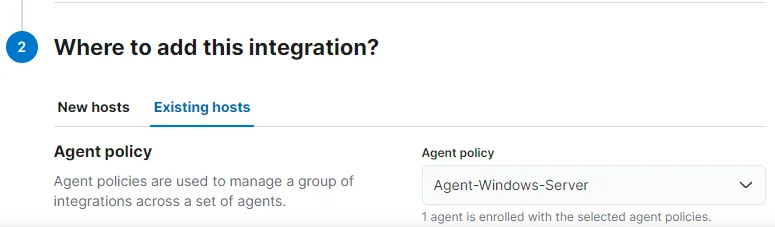
Save and continue > Save and deploy changes. And we are done with setting up sysmon integration to our policy.
Integration - Windows Defender logs
Windows defender can generate a lot of logs containing a lot of information all of which might not be our sources of interests. For the purposes of this project, I am going to ingest only defender event ids 1116, 1117 and 5001. For a production environment, it is highly recommended to add a few more event ids that can be important and ship them over to our SIEM.
Let’s go through the same steps again to add Windows Defender logs.
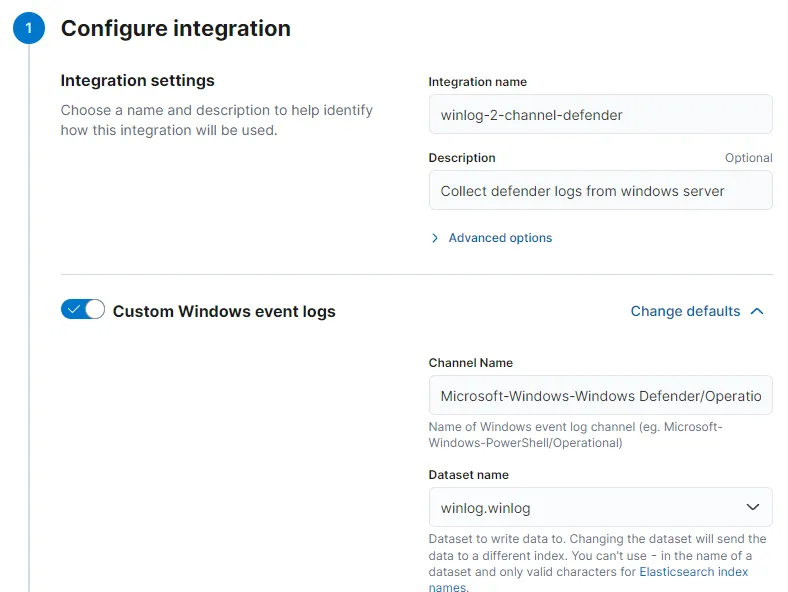
Under Configure integration > Advanced options, we can put in our event ids that we want to ingest (event ids separated by commas to add include event, add - before the event id to exclude event). Let’s finish adding this integration to our Agent-Windows-Server as well.
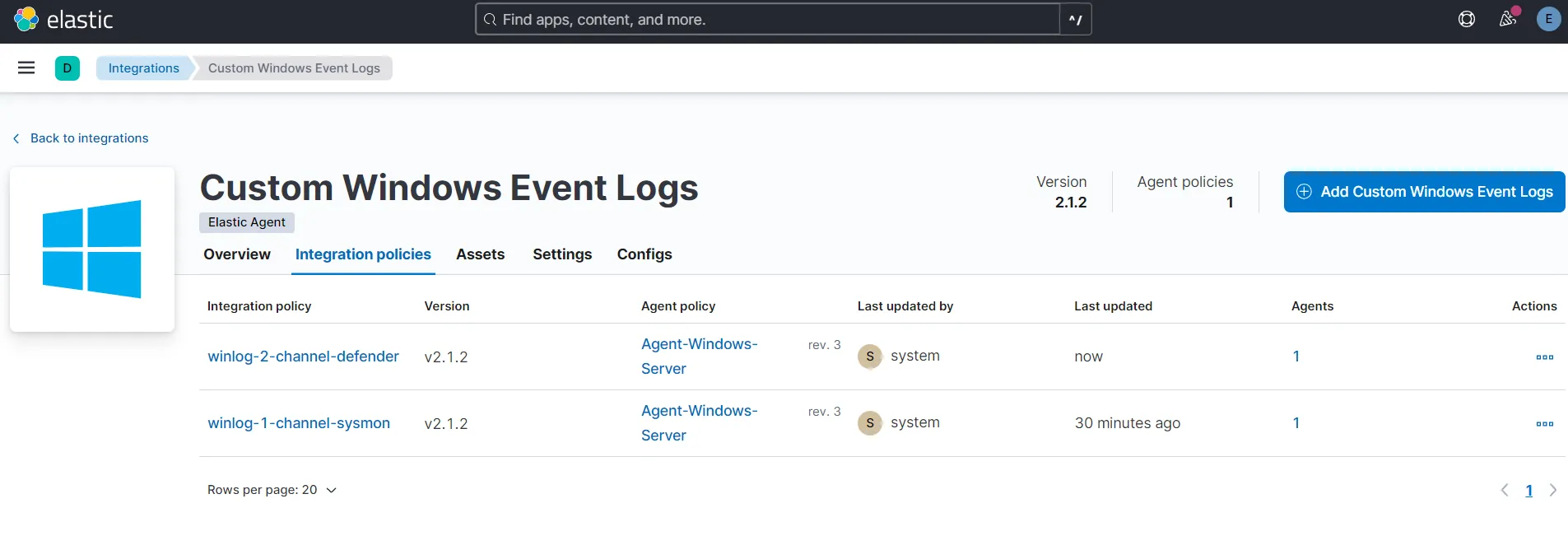
Now we should have both sysmon and windows defender logs being pulled into our elasticsearch instance.
Let us head over to Discover and try searching for sysmon events. To search for events we can type winlog.event_id: 1 to find events related to process creation.
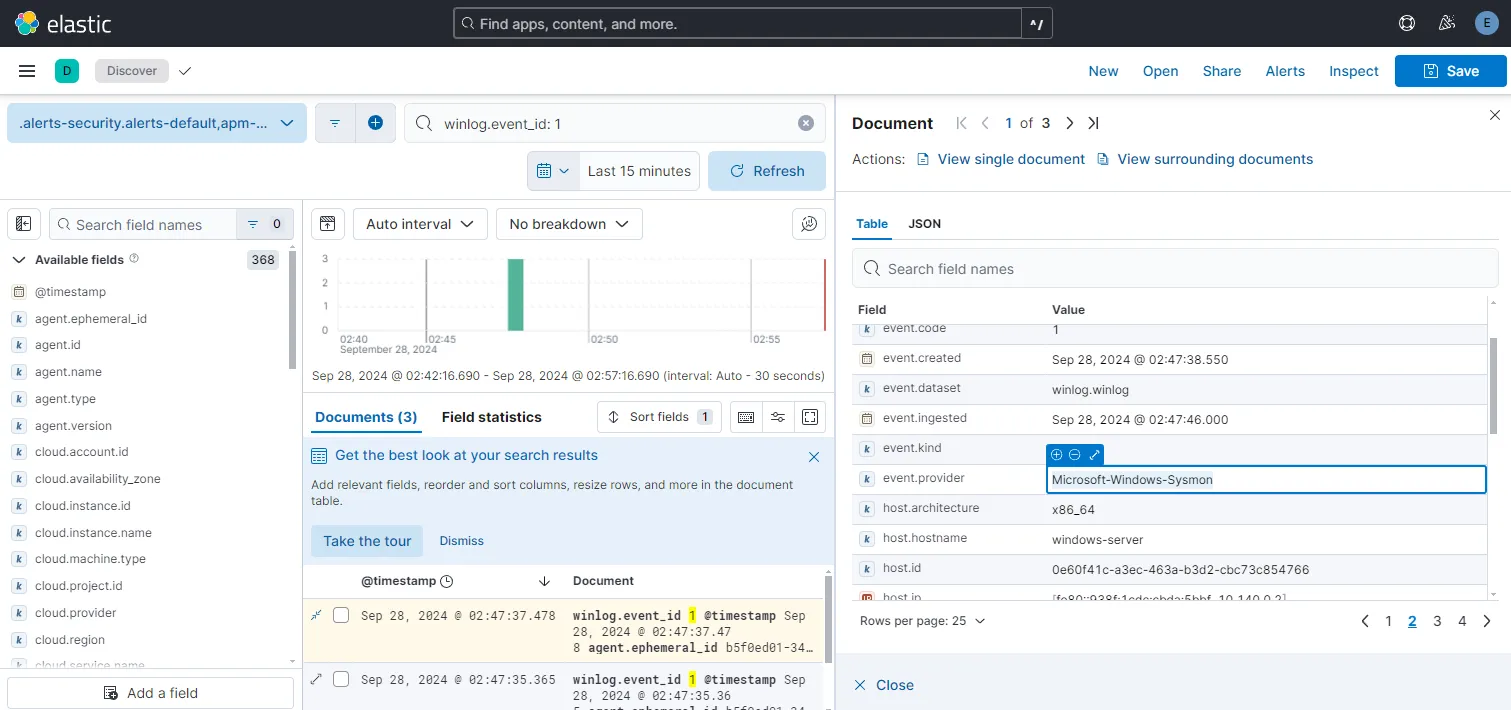
After opening up a log that we find with winlog.event_id: 1 and check the event.provider field we see the value Microsoft-Windows-Sysmon, confirming our sysmon channel is working.
To generate 5001 defender log I will turn off real-time protection and turn it on again on my windows machine.
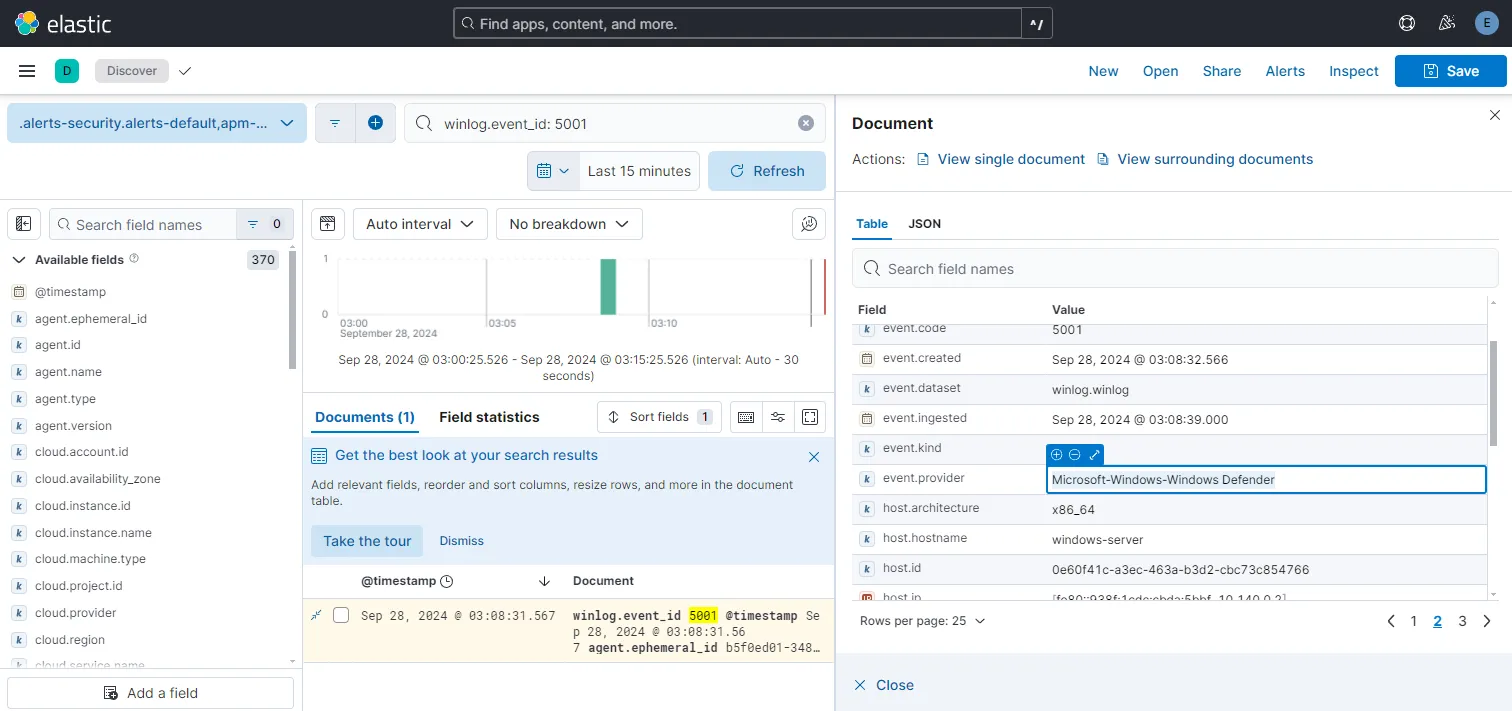
winlog.event_id: 5001 search now gives us this one event with event.provider field value Microsoft-Windows-Windows Defender, confirming that the defender channel is also providing us our windows machine logs.