Create exchange server
Create exchange server
I have a DC1 domain controller. Making another Exchange server with static IP 192.168.0.164 on my home network with preferred DNS set to DC1 address 192.168.0.161 & DC2 address 192.168.0.162
Rename the computer to “ucch45-exchange” and add to the domain “yourdomain.com”
Loaded the ISO image from the ESXi panel on the Exchange server.
Installed all the prerequisites mentioned here: https://learn.microsoft.com/en-us/exchange/plan-and-deploy/prerequisites?view=exchserver-2019
Mount the ISO to DC1 and run the following on powershell to extend AD schema:
setup.exe /PrepareSchema /IAcceptExchangeServerLicenseTerms_DiagnosticDataONsetup.exe /PrepareAD /OrganizationName "yourdomain" /IAcceptExchangeServerLicenseTerms_DiagnosticDataONsetup.exe /PrepareAllDomains /IAcceptExchangeServerLicenseTerms_DiagnosticDataONThe AD schema is extended now.
Relevant: ps1 script for updating Exchange URLs automatically: https://github.com/cunninghamp/ConfigureExchangeURLs.ps1
Following the installation wizard for setup of the Exchange Server 2019 CU11 on the Exchange Server
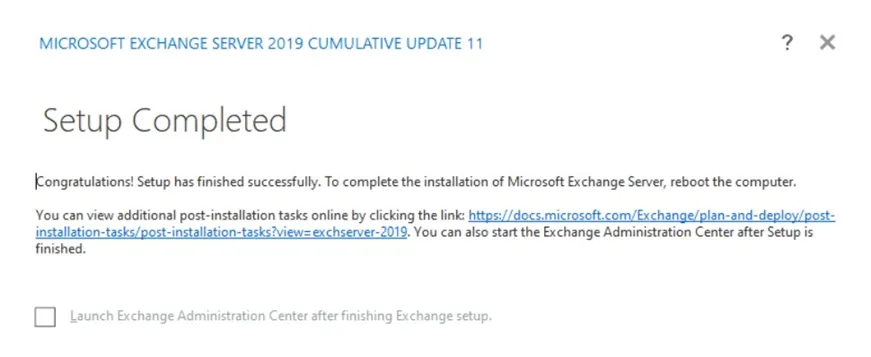
After a restart:
- Go to Start > Microsoft Exchange Server 2019
- Exchange Administrative Center
- Log in using administrator credentials
- From servers > Virtual directories > Check all directory Internal URLs
- Go to the owa Internal URL (https://ucch45-exchange.yourdomain.com/owa/)
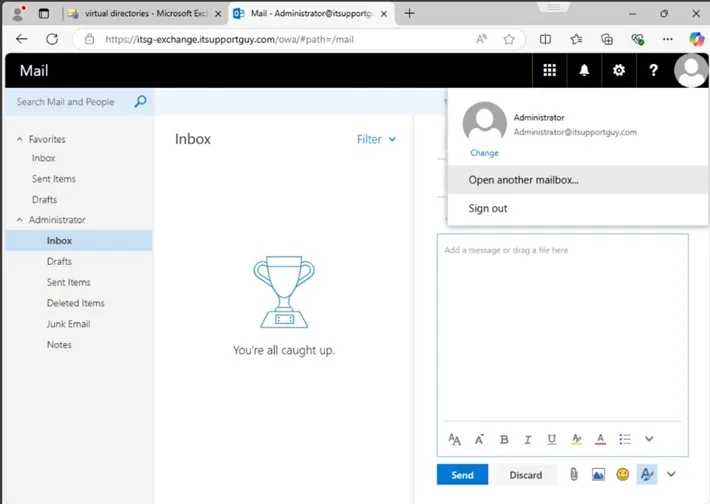
- Log in and access administrator mailbox