

Create RDS
Create RDS server
I have a DC1 domain controller. Making another RDS server with static IP 192.168.0.163 on my home network with preferred DNS set to DC1 address 192.168.0.161.
Configured the new RDS server as a member of the domain “yourdomain.com”
From the server manager > All server > Manage > Add server > adding the newly created UCCH45RDS01 server
Now from my DC1 server:
- Add roles and features > Remote Desktop services installation
- Standard deployment
- Session-based desktop deployment
- There are 3 role services that will be installed
- Specify the RD connection broker server > add the RDS server
- Specify the RD web access server > Check the RD web access installation > add the RDS server
- Specify the RD session host server > add the RDS server
- On the confirmation, check the restart automatically checkmark
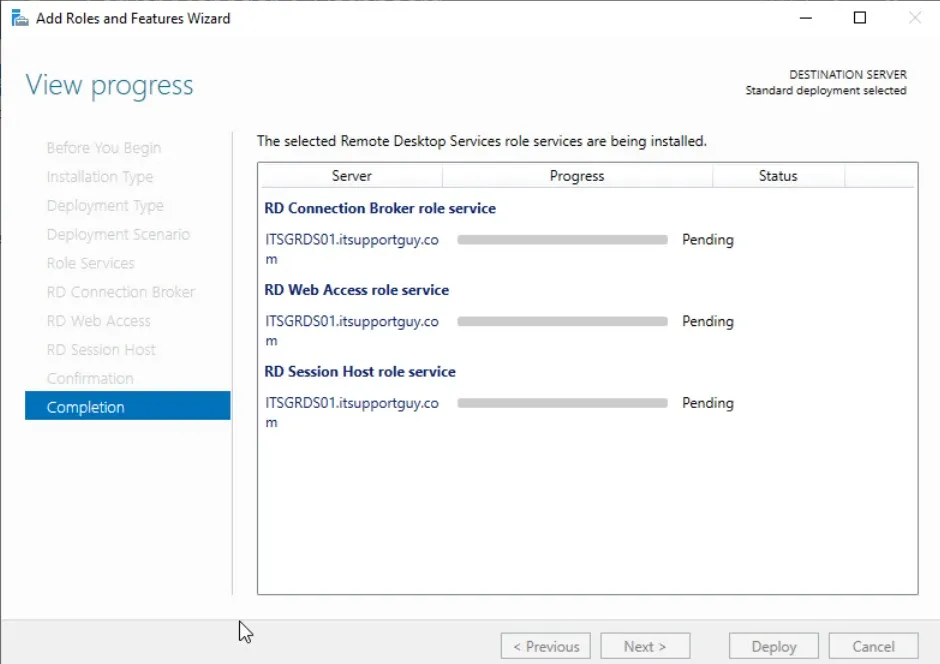
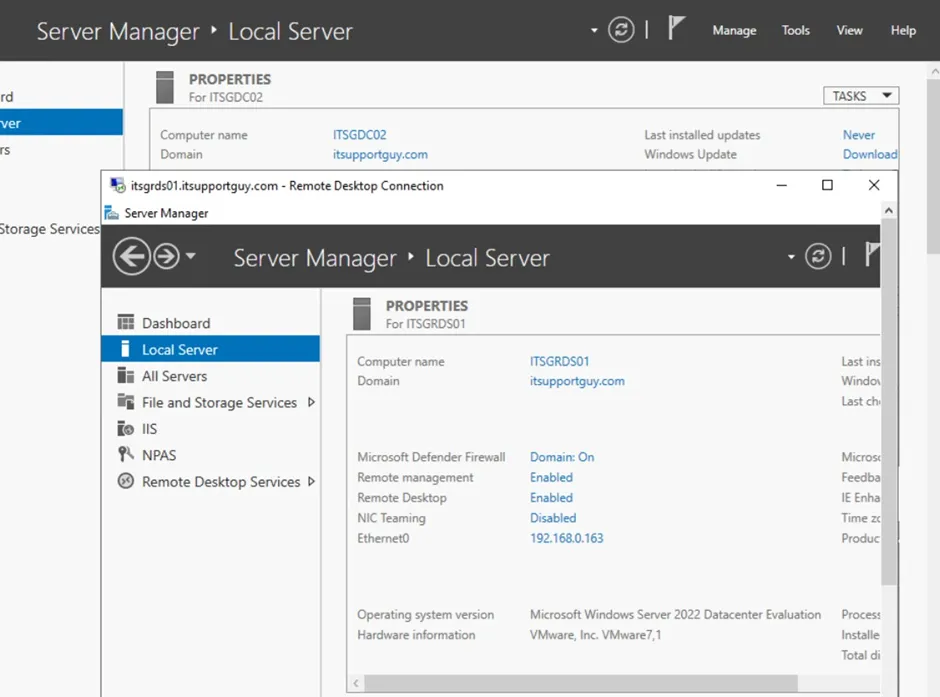
Once the installation is finished, I am able to connect to the RDS server using the FQDN from the DC1 or the DC2 machine (machines in the same domain) or using the local IP (192.168.0.163) from any of the other machines on my home network.
For further configuration, check out: https://msfreaks.wordpress.com/2018/10/06/step-by-step-windows-2019-remote-desktop-services-using-the-gui/